No Asteroids Selling Ore: Terminal, Refine and Daily Orders
How selling ore works in No Asteroids: the terminal beside the lander, the refine uplift, daily orders, glut, and when to sell every trip or bank a haul.
Selling is the half of the loop that players rush. You fly home tired, press sell-all, and move on to the upgrade screen. That works, but it leaves money on the terminal: refining, the daily order and the glut rule all change what a hold is worth, and none of them are obvious from the sell button alone. This guide covers where the money is made and when holding a haul is the better move.
Where do you sell ore in No Asteroids?
At the trade terminal beside the lander. The loop runs dig, return, sell, spend, and the terminal is where the sell half happens; it also carries the refine option and the daily order.
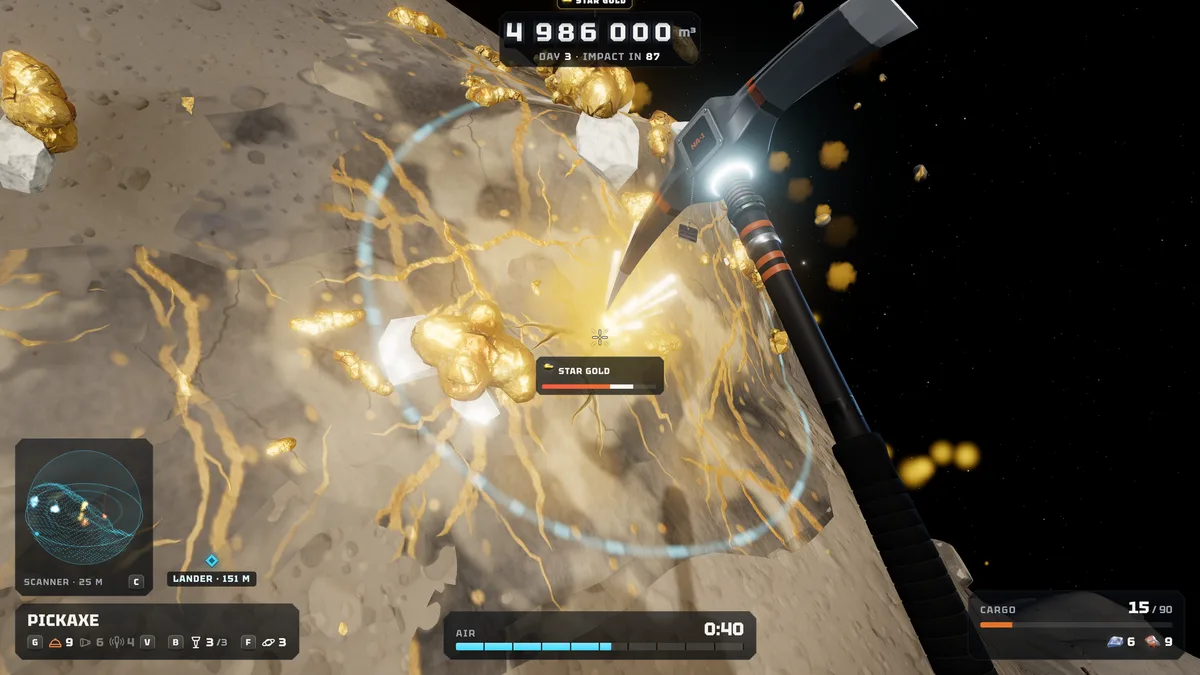
Because the terminal is on the ship rather than at a separate station, there is no travel cost to selling. That removes the usual reason to bank ore — you are never choosing between a sale and a long trip. The only reasons to hold a haul are price, glut and the daily order.
Should you refine or sell raw?
Refine, unless the daily order says otherwise. The official trade screenshot shows a +19% refine uplift on the sell-all button, which means refining is a multiplier on whatever the day’s price happens to be. On a high-price day that multiplier is worth more in absolute money than on a low-price day, so the best time to refine a backlog is when the board is already strong.
The game does not publish what refining costs in time or money, only the uplift visible in the screenshot. Treat the +19% as the value of pressing refine on that build and that day rather than a permanent guarantee: the terminal is the authority, and the button tells you the current uplift before you commit.
| Sale method | What you get | When to use it |
|---|---|---|
| Sell raw | The day’s price per unit | When you need cash immediately for an upgrade |
| Refine | The day’s price plus the uplift shown on the button (+19% in the official screenshot) | Default choice for a normal haul |
| Daily order | A bonus on one named mineral | When the order names something in your hold |
| Hold the ore | Nothing yet | Only when saving for one specific purchase or avoiding glut |
What is the daily order worth?
It is a bonus on one specific mineral, and it is worth checking before every descent. The official screenshot shows a 26,544 payout on a day-20 order, which is large enough to justify steering a shift toward the named mineral rather than digging whatever is closest. The order changes, so the payout in that screenshot is a snapshot of one day, not a rate.
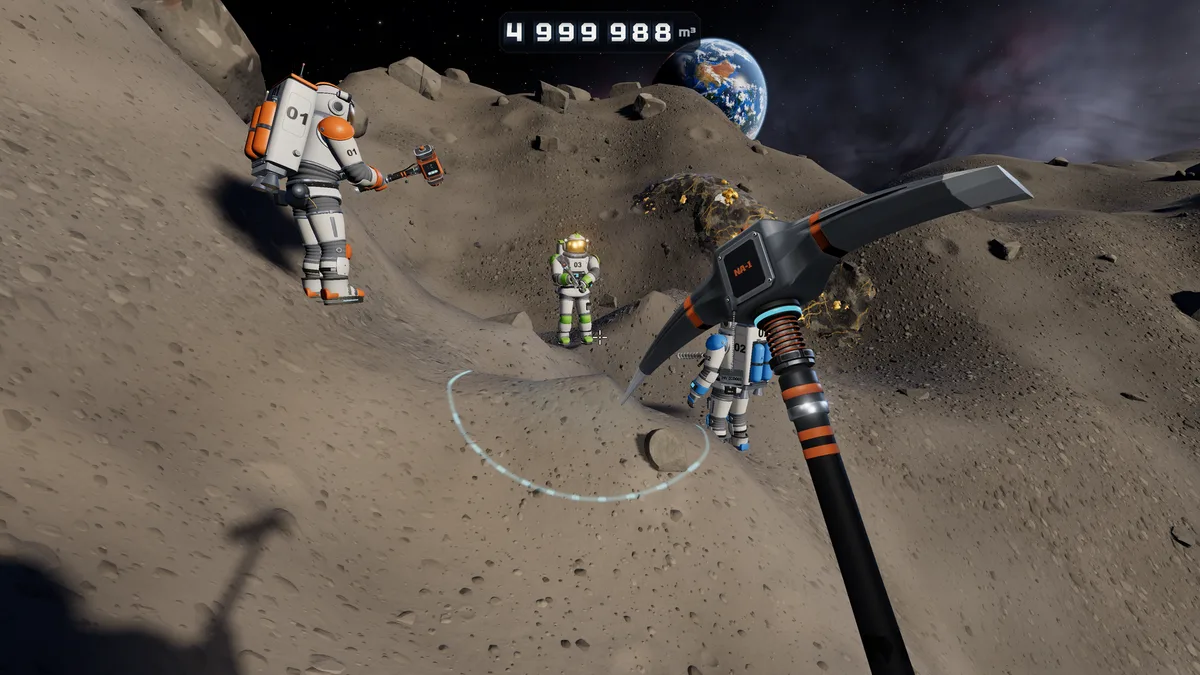
The routine is simple: read the order on the terminal before you fly down, note the mineral, and if it is common in the layer you are working, plan the shift around it. If it names something you cannot reach safely, ignore it and take the refine uplift instead. Chasing an order into a hazard is how a good payout becomes a blackout.
Why do prices change every day?
Because the terminal is a market, not a shop. Each in-game day re-prices every mineral, so a value you saw on day 12 is not the value you will get on day 13. That is why the six values below are labelled as a snapshot from the official terminal screenshot rather than a price list.
| Ore | Snapshot price per unit | Note |
|---|---|---|
| Spice | 900 | Bulk ore, common early |
| Meteorion Iron | 1,000 | Workhorse bulk line |
| Iron ingot | 900 | Separate terminal entry from Meteorion Iron |
| Gold | 700 | Mid-value, below several bulk ores on this day |
| Spice crystal | 900 | Higher-grade sibling of Spice |
| Plasma | 1,300 | Top of the ordinary range in the screenshot |
The Gold line is the one that surprises people. On this particular day Gold paid less than Spice and Meteorion Iron, which is a useful reminder that the shiny name is not automatically the better sale. Value per unit is only half the maths; the other half is how much of the stuff fits in the hold. Our minerals and prices guide covers all eleven confirmed names and the Antimatter price band.
What is the glut threshold?
Dumping too much of one mineral lowers its price. The community-measured threshold for Antimatter is 800 units, and players report the same behaviour across the market. The threshold is high enough that glut is a stockpiling problem rather than a routine-selling one: it becomes real when you have held one high-value ore for several days and then sell it in a single press.
The workaround is to split the sale across two days, or to sell the bulk of it and keep a small remainder for the next day’s order. If you are deliberately stockpiling for a big purchase, sell in batches rather than all at once — the price you lose on the last unit is often larger than the convenience of one button press.
Should you sell every trip or bank ore?
Sell every trip for the first ten days and most of the run after that. Prices move daily, cargo space is limited, and the money from a sold hold is what buys the air and cargo upgrades that make the next shift longer. Ore sitting in the ship earns nothing and blocks the hold you need for the next descent.
There are three legitimate exceptions. The first is saving for one specific purchase: if you are slightly short of a tool and the next shift will cover it, holding a small high-value lot is fine. The second is a daily order you expect to fill tomorrow, where the bonus is worth more than a day’s price movement. The third is glut avoidance on a genuinely large single-mineral haul. None of those exceptions applies to a normal mixed hold.
| Situation | Sell now | Hold |
|---|---|---|
| Normal mixed hold after a shift | Yes | No |
| Daily order names a mineral you have | Yes, via the order | No |
| Saving for a named upgrade within one shift | No | Yes, briefly |
| Huge single-mineral haul near the glut threshold | Sell in batches | Partly |
| Price crashed on the ore you carry | Depends | Wait only if you can afford to |
What about ordinary rock after day 35?
From day 35, ordinary mined rock fills spare cargo and sells for $2 per unit, a change added in update 1.0.2. Mineral cargo still takes priority, so the rock is strictly a use for space you would otherwise fly home empty. It is not a reason to dig rock on purpose, but it is a reason not to launch with empty slots once the rule is live.
Two dollars a unit is small per unit and meaningful per hold. On a late-run shift where the good pockets are far apart, filling the leftover space with rock turns a half-empty return into a paid one, and it softens the post-core money plateau that players complain about in the back half of a run. The 90-day clock guide explains why that plateau happens and how to spend through it.
What does a good selling routine look like?
Read the order, dig with it in mind, return at a quarter bar, refine unless the order beats it, and sell the whole hold rather than the good half. Then spend the money before the next descent, because an upgrade bought today works on every remaining shift and money in the account does not.
The routine changes at two points in a run. After day 35, add rock to the hold on the way home. When you are saving for a major gun or the Compactor, check the upgrade order guide before you liquidate everything, because a purchase that arrives five days late is often worse than one bought at a worse price. And if a patch changes sale rules — the day-35 rock rule arrived in 1.0.2 — the patch notes are where to confirm it. Plan your descent around the order with the mining routes guide, and the selling half takes care of itself.
Gallery
FAQ
Where do you sell ore in No Asteroids?
Is refining worth it in No Asteroids?
Do ore prices change daily in No Asteroids?
What is the ore glut in No Asteroids?
Related Articles
guides
No Asteroids 90 Days Guide: How the Clock Really Works
How the No Asteroids 90-day contract works: what the counter measures, which actions spend a day, a ten-day spending plan and how to fix a run that is behind.
guides
No Asteroids Tips: 15 Habits That Save In-Game Days
Fifteen No Asteroids tips that actually save time: quarter-bar returns, cargo before speed, daily bonuses, gun timing and the habits that prevent blackouts.
guides
No Asteroids Upgrade Order: What to Buy First
The No Asteroids upgrade order that works: diagnose your bottleneck, buy air before tools, slot the repair station early, and know what to skip late.
Was this helpful?
Thanks for the feedback!